
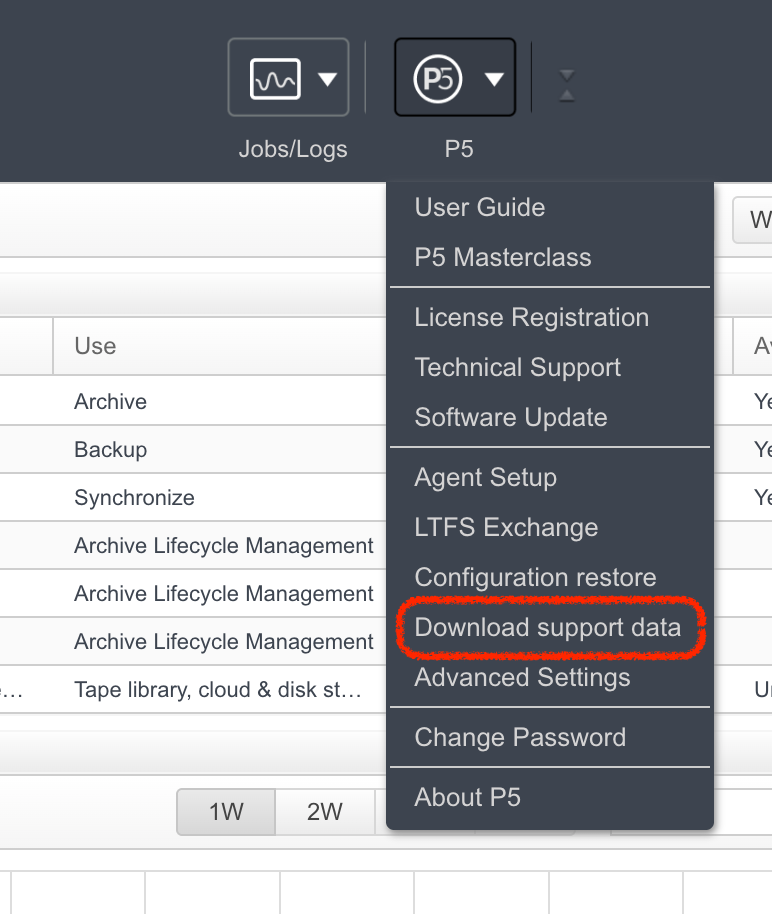
If you need to report any kind of problem with Archiware P5 to us, we’ll often request that you download and send ‘support data’ to our support team.
The support data consists of a ZIP file which you download via the admin web interface. The screenshot here shows the option is found in the ‘P5’ menu, top-right in the web-admin. Within the ZIP file, Archiware places it’s own log files, the system (OS) log file, P5’s actual configuration database (all the settings) plus some information about the hardware attached to the computer. This generally provides all the information we need to investigate an issue.
Downloading extended support data: Holding down the shift key while clicking the ‘download support data’ menu option will result in additional logs and configuration information being included in the ZIP file. Only do this if we specifically ask for it as this can result in a much larger ZIP file to send to us.
Leave a Reply